
Working hours, leave, shifts.Always in your pocket.
The self-service app your employees actually enjoy using. With mycompleet your employees record their working hours themselves, see time account, timesheet and shifts and manage absences, in the app or browser, around the clock.
- Time tracking in the app or browser
- Offline-capable and multilingual
- Automatic approval of hours


WHY MYCOMPLEET
Transparent, intuitive and available around the clock.
Involve your employees in your workforce processes. It takes load off HR and scheduling and makes for a happier team.
Everything in view
Real-time updates on time account, working hours history and shifts, captured seamlessly and available at any time.
No training needed
A user-friendly interface, self-managed profiles and several language options for international teams.
24/7, anywhere
Access around the clock, compatible with common devices and offline-capable, so people can clock in even without a connection.
mycompleet in detail
Everything employees
want to know.
Overview, timesheet and time tracking: this is how your employees use mycompleet every day.
The working day at a glance.
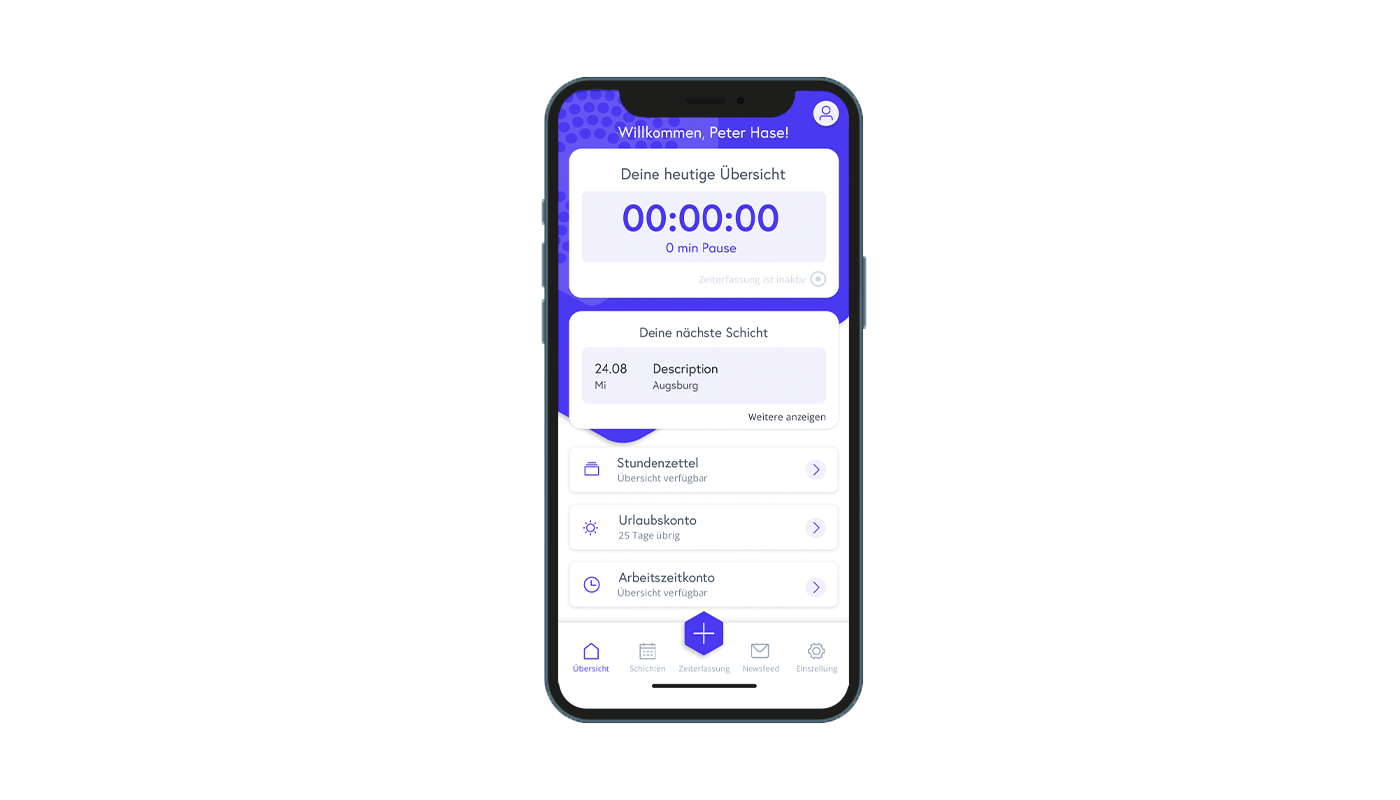
The overview shows time account, leave balance and upcoming shifts. News from managers is available right there, no notice board or group email needed.
Every hour traceable.
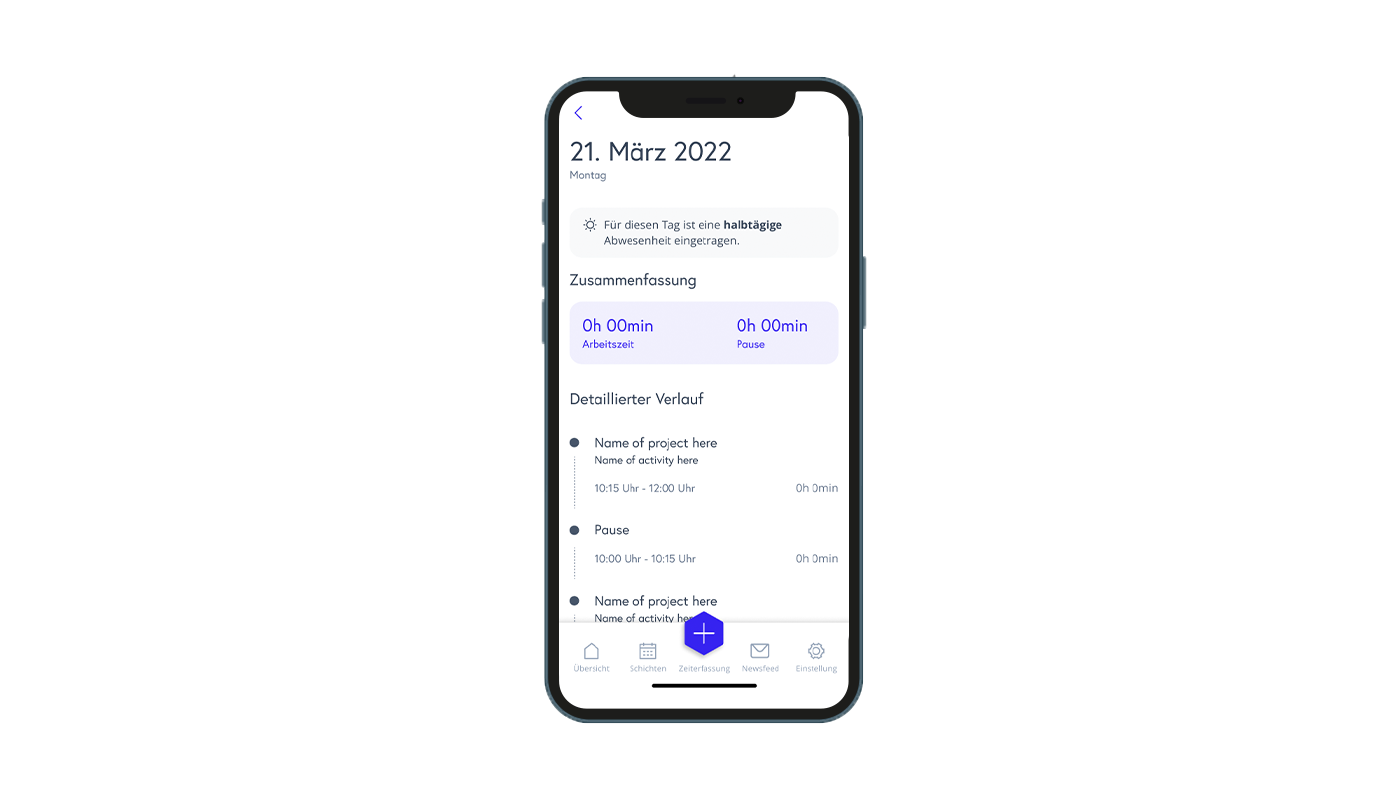
In the timesheet employees can check the history of their working hours at any time, including breaks and overtime. That builds trust and saves questions to HR.
The working day.
At a glance.
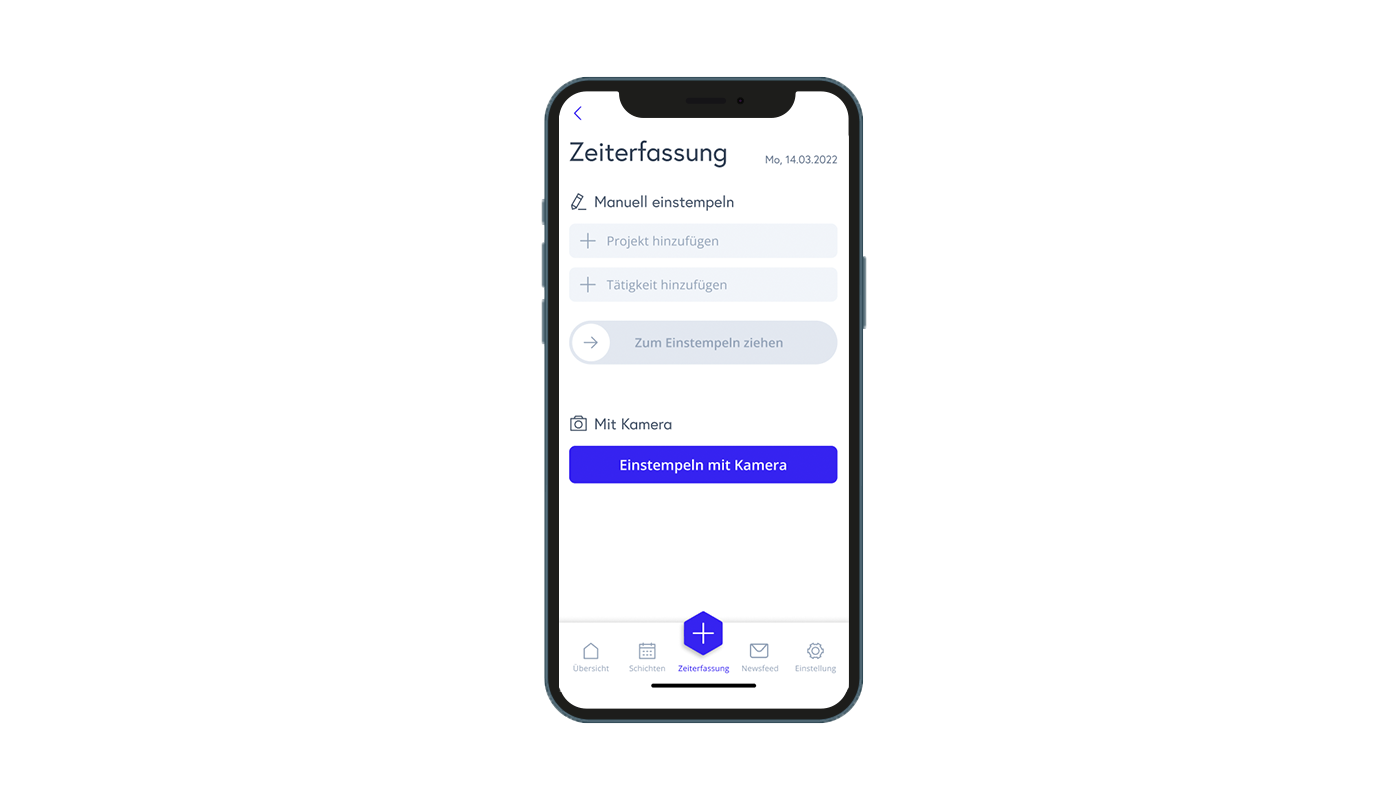
The overview in the app shows time tracking, working time and leave accounts as well as the timesheet. Employees can quickly check news from managers and upcoming shifts.
Clock in yourself.
In the app or browser.
With the employee self services, staff record their working hours independently and in a legally compliant way, with automatic approval of hours. That means flexibility, time savings and a happier team.
Every hour.
Traceable.
In the timesheet employees can check the history of their working hours at any time, including breaks and overtime. That creates transparency and saves questions.
FEATURES
Self services that make everyday work easier.
mycompleet is directly connected to compleet workforce. Whatever employees record in the app goes straight into planning, time management and payroll.
Overview
Time tracking, working time and leave accounts, timesheet, news and upcoming shifts at a glance.
Time tracking
Record working hours independently and in a legally compliant way, in the app or browser, with automatic approval of hours.
Timesheet
Check the history of working hours at any time, including breaks and overtime.
Absence management
Request leave and absences yourself and follow the status at any time.
Profile
Manage master data, change your password or choose another language in a few clicks.
Seamlessly connected
All data flows directly into compleet workforce and, via interfaces, into your other systems.
Time tracking options
From location-independent tracking in the app to terminals with transponders: every option can be configured and installed flexibly.
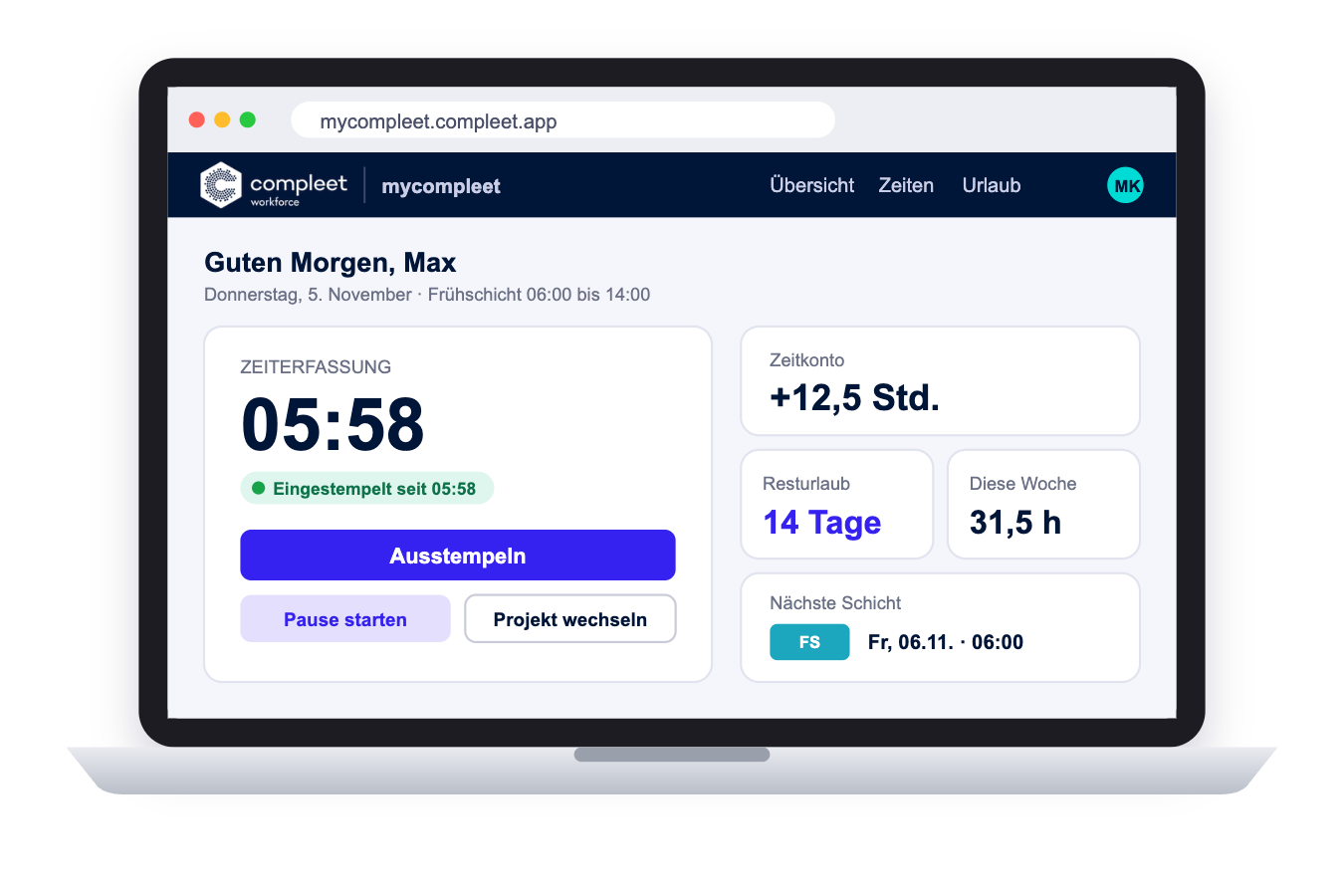

mycompleet browser
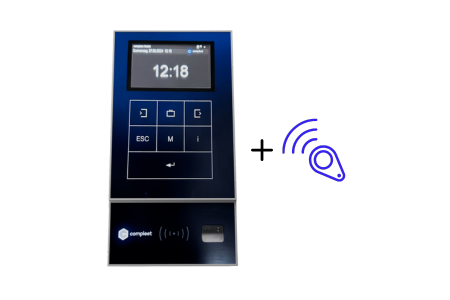
iCOM EVO and transponder
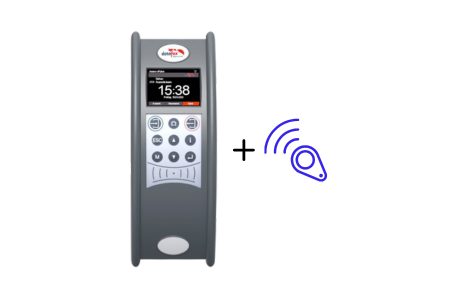
iCOM One and transponder
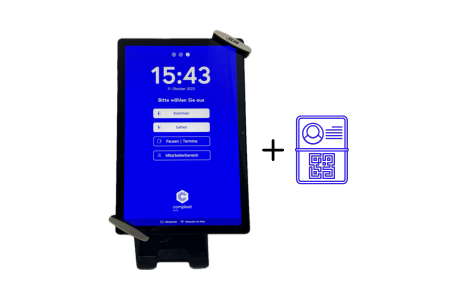
iCOM tablet and QR code
„With compleet workforce we can centralise master data management and deployment planning for our own staff at our warehouse sites. Employees get access to their data, documents and shift plans via their own app. compleet workforce has helped us make our processes more transparent and productive.“
The foundation: compleet workforce.
mycompleet is the self-service layer of compleet workforce. Shift planning, time tracking, access control, payroll and the new eAU query are managed centrally there.
Go to compleet workforceFAQ
Frequently asked questions about mycompleet
What is mycompleet?
mycompleet is compleet’s employee self service. Employees record their working hours themselves, see time account, timesheet and shifts and manage absences, in the app or browser.
How are mycompleet and compleet workforce connected?
mycompleet is directly connected to compleet workforce. Time, absences and profile data from the app flow straight into planning, time management and payroll.
Which devices does mycompleet work on?
As an app on smartphones and in the browser on a PC or laptop. Terminals and tablets with transponder or QR code are also available.
Does time tracking work without internet?
Yes. The app is offline-capable and bookings are transferred as soon as a connection is available again.
Is mycompleet available in several languages?
Yes. Employees choose their language themselves in their profile.
See mycompleet
in action.
In a personal demo we show you mycompleet and compleet workforce using your own use case.